Paid beta · one Pro edit for $19.99
Describe any edit. Add your footage. Get it cut.
An AI video editor that works from a prompt. It plans the cut, edits, checks its own work and delivers a version you can watch, download and revise.
- Footage
- 100 files, 8 GB
- Length
- 5 s to 3 min
- Changes
- 3 rounds
What it cuts
One editor for any kind of edit
Five things it's built to do well, and the kind of prompt that gets each one.
-
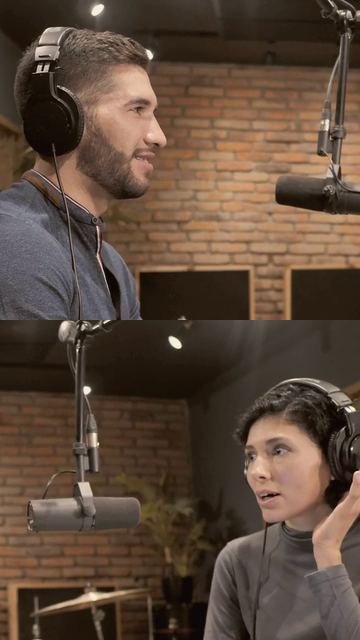
Podcast clips with captions
Finds the moment in a long recording from its transcript, cuts it tight, and captions it word by word.
“60-second vertical clip around the story about quitting. Captions on.”
-
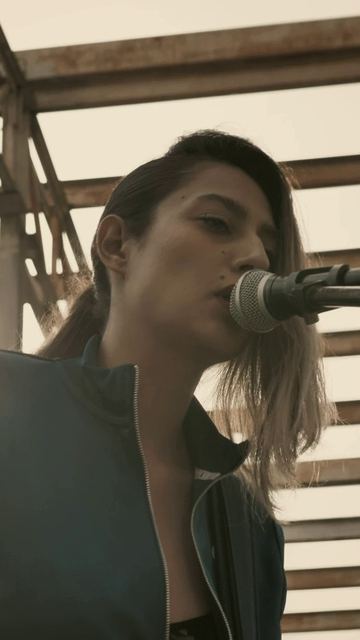
Music videos cut to the beat
Cuts performance takes and b-roll so every change lands on a beat of the song.
“Fast cuts on the beat in the chorus, longer holds in the verses.”
-
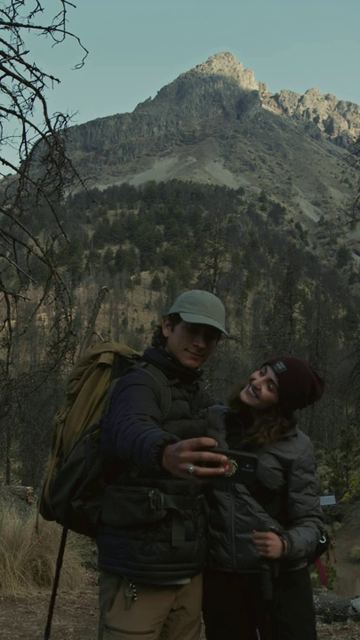
Montages
Watches every clip and photo from a trip or an event, picks the best moments and builds an arc with an ending that lands.
“45 seconds of the offsite. Open wide, end on the group photo.”
-
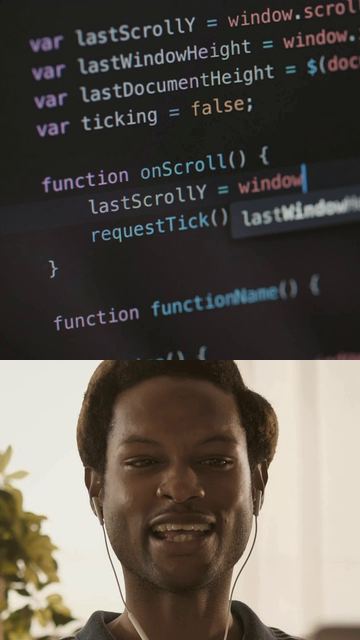
Explainers with on-screen text
Screen recordings and talking heads, trimmed of pauses and dead air, with a title and captions where they help.
“Trim the pauses, open with a title, captions on.”
-
Re-cuts of long videos
Hand it a long demo, talk or vlog and say what to keep. It finds those parts, cuts the rest, and makes the short version flow.
“A 2-minute version. Keep the setup, the three features and the closing line.”
-
Something else?
If you can describe it and upload the footage, you can ask for it. Say what it's for, how long it should be, and how it should open and end.
Make a little film — $19.99
How it works
Brief, plan, edit, check. Then versions.
The steps a good editor takes, run on an isolated computer that exists only for your edit.
- 1 · Brief
It writes a brief
Format, length, tone, structure and the moments it has to include, written down before anything is cut.
- 2 · Plan
It watches everything
Every clip and photo, with speech transcribed word by word, so it can find the line you meant and plan each cut.
- 3 · Edit
It cuts to the brief
Shots, timing, captions, a title, and music from our library of original tracks where the brief calls for it.
- 4 · Check
It checks its own work
A separate pass over the finished file: resolution, loudness, no long black runs, captions off faces, an ending that lands.
- 5 · Versions
v1, then your notes
v1 lands on your edit's page. Leave notes for v2, then v3. Every version stays there to watch and download.
Revisions
Ask for changes the way you'd ask an editor
“Tighter intro.” “Calmer music.” “Hold the last shot.” Your notes go back to the editor with its brief, its cut list and its own review of the last version, so it changes what you asked and keeps the rest.
- Three rounds of changes per edit, within 28 days of uploading
- Changes are included, at no extra cost
- If a revision doesn't finish, it isn't counted

Specs
The numbers
- Footage
- MP4 and MOV video; JPEG, PNG and HEIC photos
- Per edit
- Up to 100 files, 4 GB each, 8 GB in total
- Big files
- Over 500 MB, uploaded in parts that resume if the connection drops
- Length
- 5 seconds to 3 minutes, or let the editor decide
- Delivery
- Vertical 1080 × 1920 MP4, one download per version
- Revisions
- 3 per edit, within 28 days of uploading
- Kept for
- Footage 30 days, edits 60 days
- Music
- Our library of original instrumental tracks
An isolated computer per edit
Every edit is made on its own isolated computer, created for it and deleted afterwards, with no general internet access.
Deleted on a timer
Uploads are deleted after 30 days and edits after 60. Download what you want to keep.
Private by default
Edits aren't public. Only you can see them here, signed in.
Two AI model providers
To plan and check the edit, the editor sends your prompt, transcripts and some frames to Anthropic and Baseten. Files are stored on Amazon Web Services.
Questions
Good to know
Who makes the edit?
An AI editor, start to finish. No person reviews your footage or the edit before you see it, so it can miss. When it does, request changes: up to 3 revisions are included.
How long does an edit take?
It depends on how much footage there is and what you ask for; an hour-long recording takes longer than a handful of clips. This is a beta with no guaranteed turnaround time. Follow its progress in My edits; you can close the tab once the upload finishes.
What can't it do yet?
It always delivers vertical 1080 × 1920 video; landscape footage sits over a blurred fill. It doesn't generate new footage, voiceover or songs, and it can't fetch links, so upload the files. Music comes from our library of original instrumental tracks.
What does it cost?
One Pro edit is $19.99 as a one-time purchase of 2 credits. Each edit uses 2 credits, with up to 3 revisions included. No subscription. Your existing credits and free edits are honored. See the little-film offer or all credit packs. If an edit fails, its credits come back.
Who sees my footage?
Nobody scrolls through it. Each edit is made on a private, isolated computer that's deleted afterwards. To plan and check the edit, the editor sends your prompt, transcripts of the speech and some video frames to our AI model providers (Anthropic and Baseten). Files are stored on Amazon Web Services.
How long do you keep things?
Footage is deleted 30 days after upload, and each edit 60 days after it's made. Revisions close after 28 days, before the footage goes. Download anything you want to keep.
What if my upload stops halfway?
Big files go up in parts. If the connection drops, retry the file and it picks up from the last finished part. If the tab closes, open New edit in the same browser and choose the same files to resume.
Make a little film for $19.99
One Pro edit, up to 3 revisions, no subscription. Sign in, buy your edit, then choose your moments. Existing balances and invite codes still work.
Make a little film — $19.99